Get the app here
Download the app for your Apple or Android mobile device


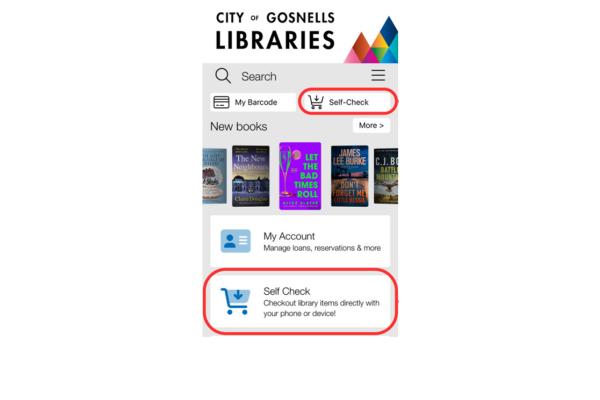
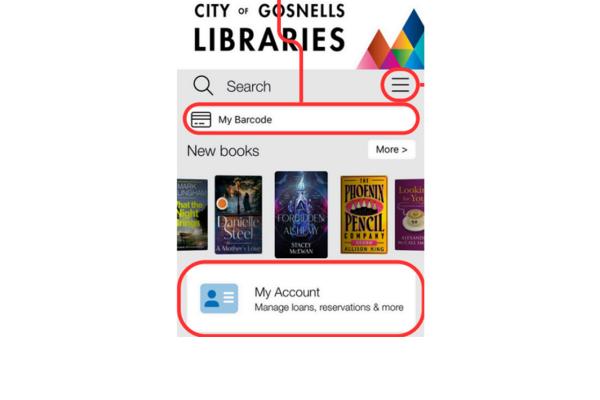
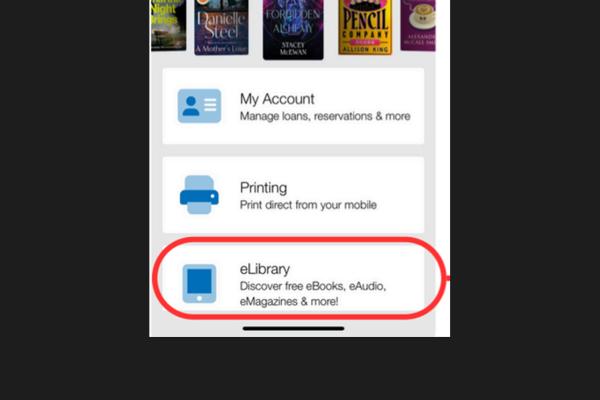
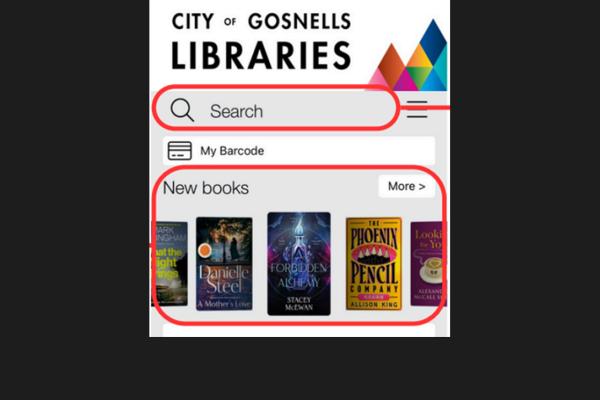
The City of Gosnells Libraries app allows you to access all the library’s services in one place:
If you need any assistance using the app please contact one of the City's libraries during their normal business hours. Alternatively, the helpful City of Gosnells Libraries app – How to guide (below) takes you through the main functions of the app and how to use them. Or book into one of our Tech Help sessions to get one-on-one guidance with your device.
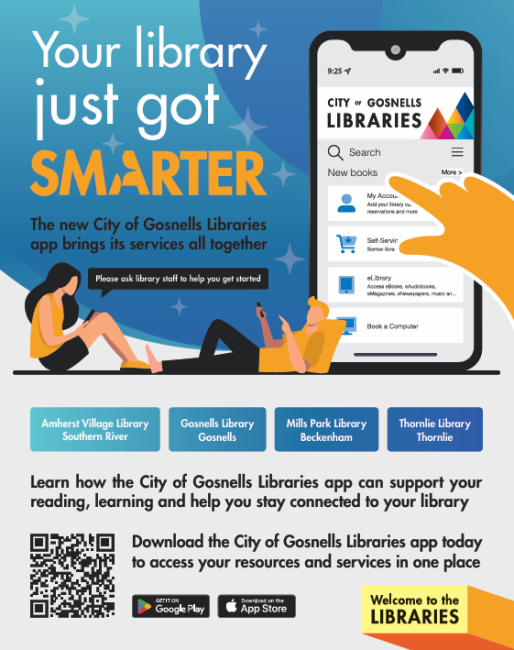
Download the app for your Apple or Android mobile device
Do I have to be a library member to use the app?
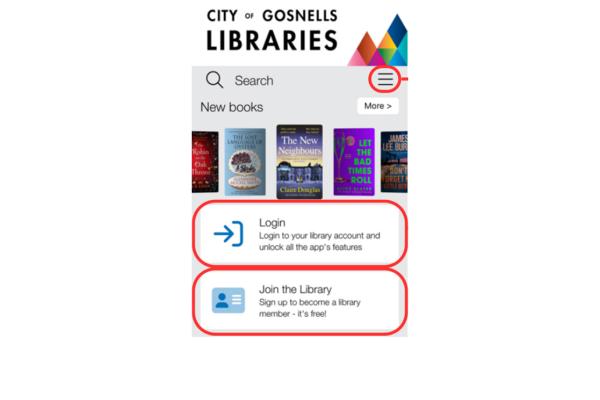
No. Anyone can download and install the app, but logging in unlocks more app features.
I do not know my membership number and/or password. How do I log in?
If you do not know your membership number, please speak to a friendly member of library staff. If you have forgotten your
password, follow the ‘Forgot your password?’ link on the app’s main page, or follow this link to reset your password.
Why are my books still showing in Loans after I’ve returned them?
Sometimes it takes a couple of minutes for returns to load, try clicking the refresh button at the top of the Loans page.
Why can’t I see the loans for my linked account/s?
Go to Loans and select the Account dropdown menu to choose a linked account.
 Subscribe to our eNewsletters